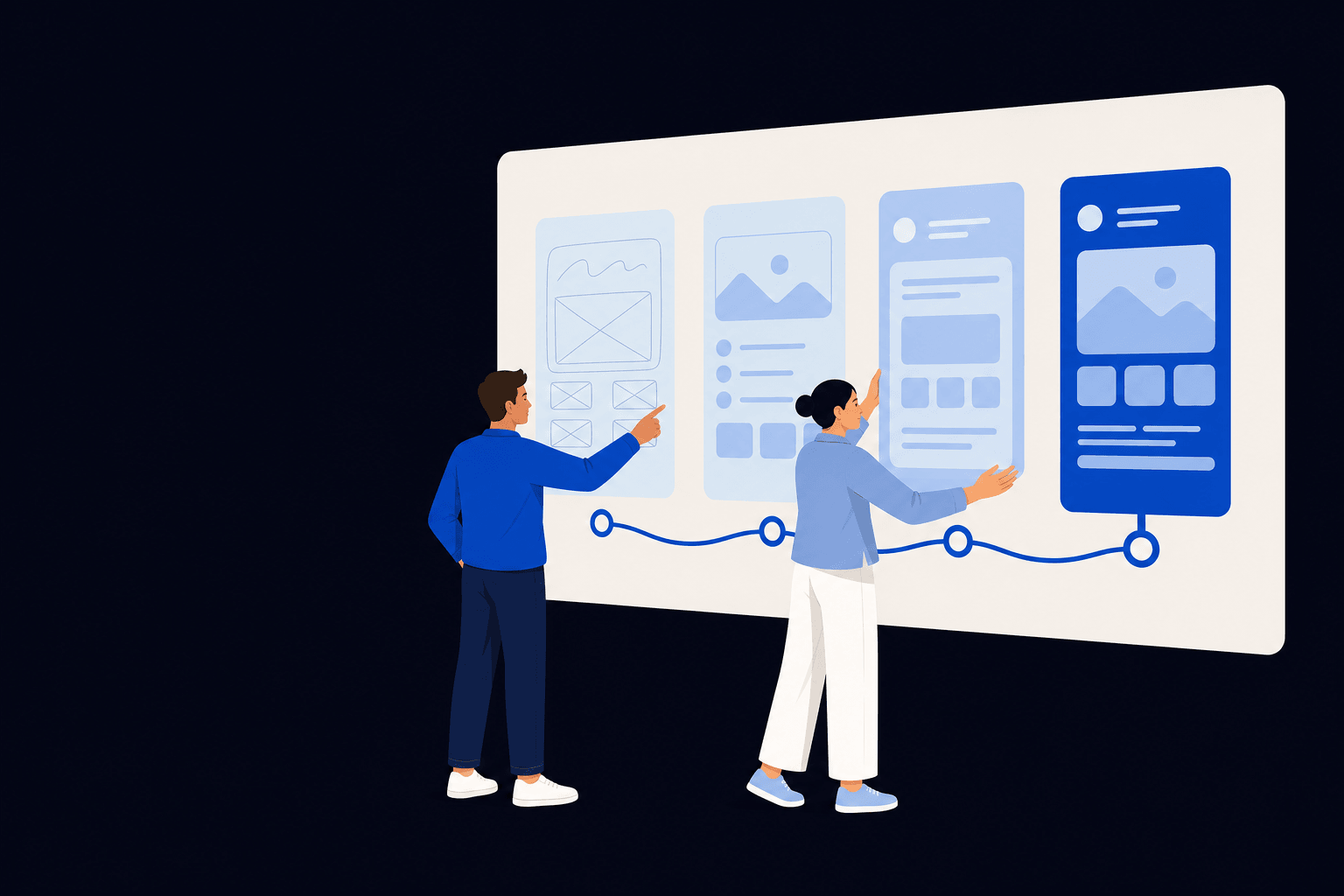
Development should not be the first time the idea is tested.
A feature list can make an app feel defined while leaving its hardest questions untouched. Who has the problem? How is it handled today? Which systems and people sit around the workflow? What would make the service useful enough to adopt?
Discovery creates a short, explicit route through those questions. The GOV.UK Service Manual describes discovery as understanding users, constraints and the problem before committing to build. The same principle is useful well beyond government services, even when the scale and process are much lighter.
What should happen before app development starts?
Define the problem and success measure, research the people and current workflow, map constraints and integrations, test the riskiest assumptions with lightweight prototypes, decide what belongs in the first useful release and record the operational responsibilities that continue after launch.
Move from a proposed feature to a defined problem.
The first job is to separate the outcome from the solution someone has already imagined.
Name the user and the situation
Describe who experiences the problem, what they are trying to achieve and where the proposed app fits into a wider journey. Include internal operators and support users, not only the person tapping the screen.
Understand the current route
Map the existing tools, handovers, workarounds, delays and offline steps. A digital interface cannot fix a process it has not made visible.
Define a measurable change
State what should become faster, clearer, safer or possible. Choose evidence that can show whether the change helps after release rather than measuring activity alone.
Record what is outside the problem
A boundary prevents discovery becoming an attempt to solve every adjacent issue. Explicit exclusions also show which dependencies still need coordination.
Test the assumptions that could stop the product working.
Visual preference is rarely the largest early risk. Test behaviour, feasibility and adoption before polishing the complete interface.
User value
Check whether the problem is important enough, frequent enough and currently difficult enough for the proposed change to matter to the intended users.
Workflow fit
Test the end-to-end task, including approvals, notifications, exceptions and what happens outside the product. A smooth screen can still create a broken service.
Technical feasibility
Investigate the data, permissions, platform capabilities and external systems on which the product depends. Prototype the uncertain connection, not every settled screen.
Operational viability
Identify who verifies data, handles support, resolves incidents, manages content and owns policy decisions. These responsibilities are part of the product design.
Shape a first release around a complete useful journey.
A smaller release should narrow the problem, not remove the states that make the selected journey dependable.
Prioritise tasks, not screens
Choose the smallest set of end-to-end user tasks that creates value. Include the confirmation, recovery and support states those tasks need.
Plan accessibility from the beginning
Content order, keyboard use, focus, forms, authentication and target sizes affect the product structure. WCAG 2.2 provides testable criteria that are harder to retrofit after patterns are fixed.
Make data responsibility explicit
Record what information is collected, why it is needed, where it moves, who can access it and how long it must remain. Privacy and security decisions can change both scope and interface.
Define the live service
A production release needs monitoring, incident ownership, updates, support and a way to learn from real use. Treat those as product requirements rather than a later hosting detail.
What a useful discovery should leave behind.
The exact artefacts depend on the project. Each one should support a real decision about whether and how to proceed.
Problem statement
A specific account of the user and business problem, its context and the outcome worth pursuing.
Evidence and assumptions
What is known from users, operations and data, plus the assumptions that still carry risk.
Priority journeys
The tasks and end-to-end workflows the first release must support, including failure and support routes.
Prototype learning
What was tested, with whom, what changed and which questions remain unresolved.
Technical outline
Data, integrations, platforms, security, accessibility and operational constraints that affect feasibility.
Recommended next step
A prioritised first release, a further validation phase, an alternative solution or a reason not to build.
Sources and further reading.
These primary sources inform the guidance above. Your project may need additional legal, security or accessibility advice for its own context.
How the discovery phase works
GOV.UK Service Manual: Primary guidance on understanding users, constraints and the problem before committing to build.
How the alpha phase works
GOV.UK Service Manual: Guidance on testing risky assumptions with prototypes before moving towards a live service.
Web Content Accessibility Guidelines 2.2
W3C: The current W3C Recommendation for testable web accessibility criteria.
Use discovery to earn the build decision.
The goal is not to create paperwork before development. It is to spend a controlled amount learning the things that would be expensive to discover in production code.
App discovery questions.
What is an app discovery phase?
Discovery is a focused period for understanding the user problem, business outcome, existing process, constraints and riskiest assumptions before committing to a build. It should produce evidence and decisions, not polished production software.
Do all app projects need discovery?
The depth should match the uncertainty. A well-understood internal tool may need a short technical and workflow review. A new customer product, regulated service or app with several integrations usually needs deeper user, operational and feasibility work.
What should come out of app discovery?
Useful outputs can include a problem statement, audience and journey evidence, prioritised user tasks, workflow maps, tested prototypes, data and integration notes, risk and assumption records, an initial technical direction and a proposed first-release scope.
Is a prototype the same as an MVP?
No. A prototype is built to answer questions and may be disposable. A minimum viable product is a live first release that needs production-quality security, accessibility, monitoring, data handling and support appropriate to its users and risk.
Can discovery show that an app should not be built?
Yes. That can be a valuable result. Research may show that a simpler website, process change, integration or existing product solves the problem with less cost and operational risk.